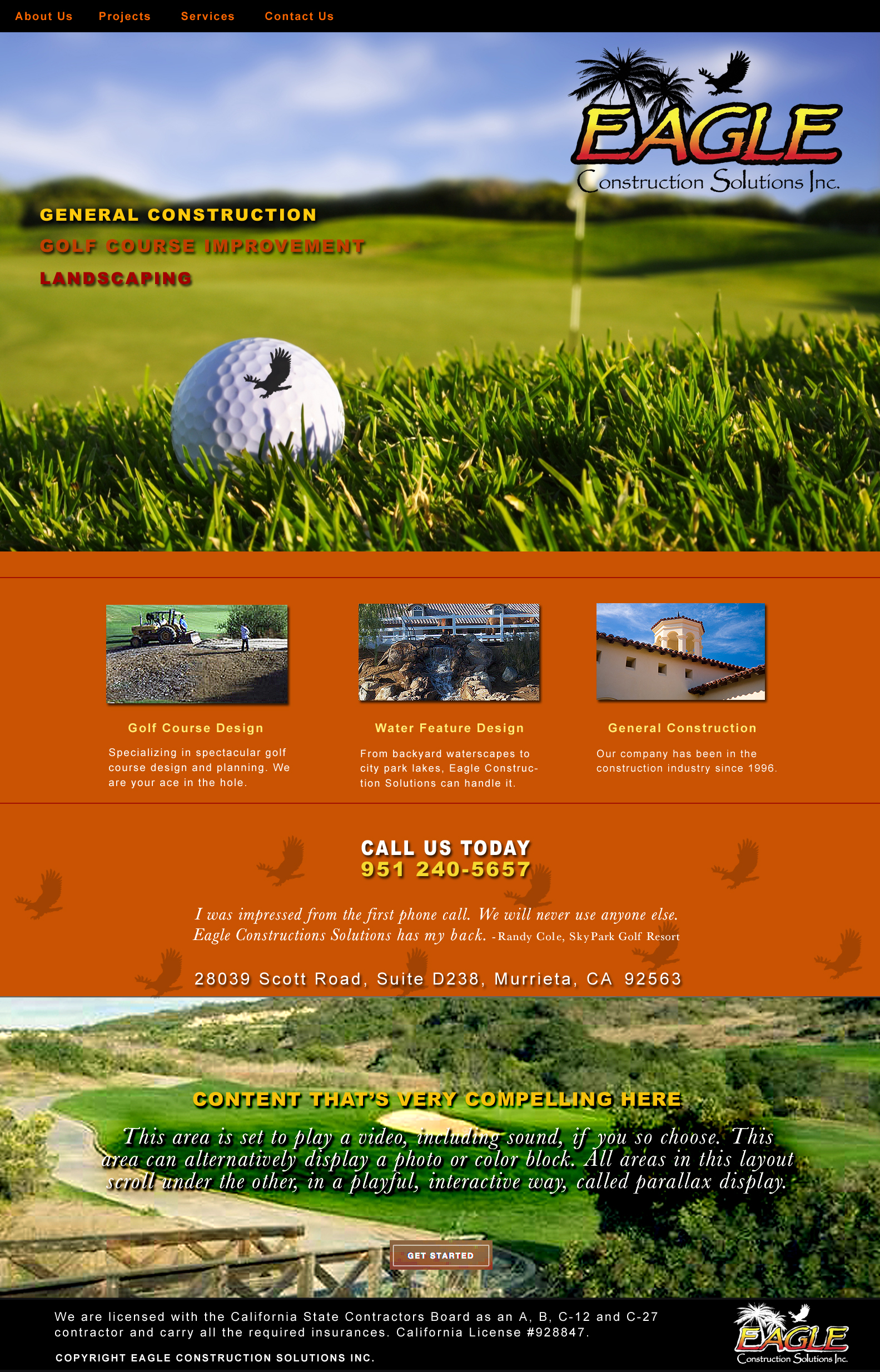
first round creative
Imagine each layout filling the screen of your browser. All options below will be responsive to any size computer browser, tablet or phone. (You can also click on the layouts, they will enlarge in your browser window [can go very large if you zoom] to see more closely how they will look live.)
1 — Basic layout. Will enlarge to fill browser, making a dramatic impact.
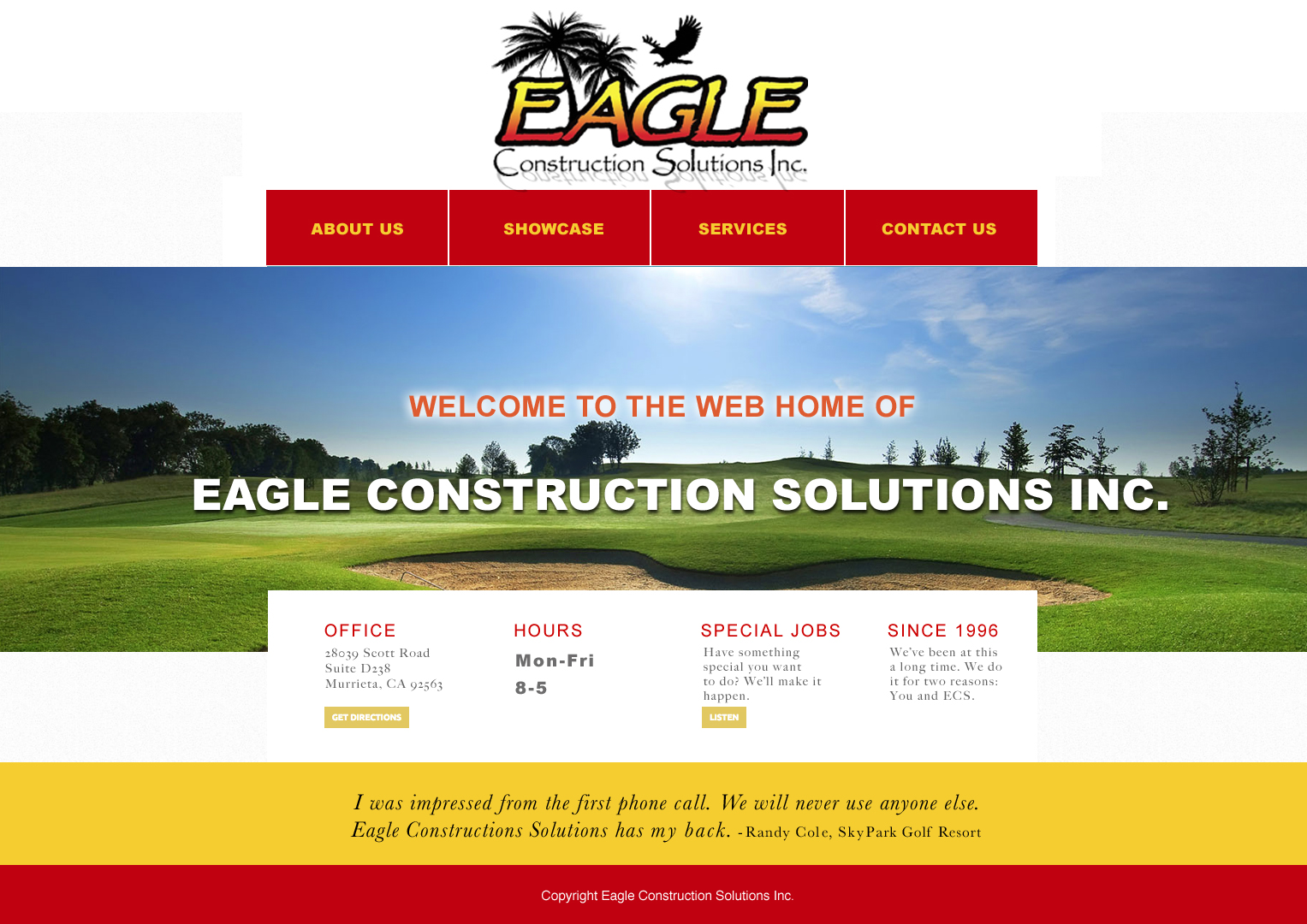
2 — Flat layout. This layout arranges content in a way that allows for much of the content to show or be linked from the home page. It will scroll downward as far as you wish to publish content in this way. There is no limit on length of any page, nor how many you wish to publish. This layout also enlarges or reduces in size depending upon the viewing area, adapting well to mobile.
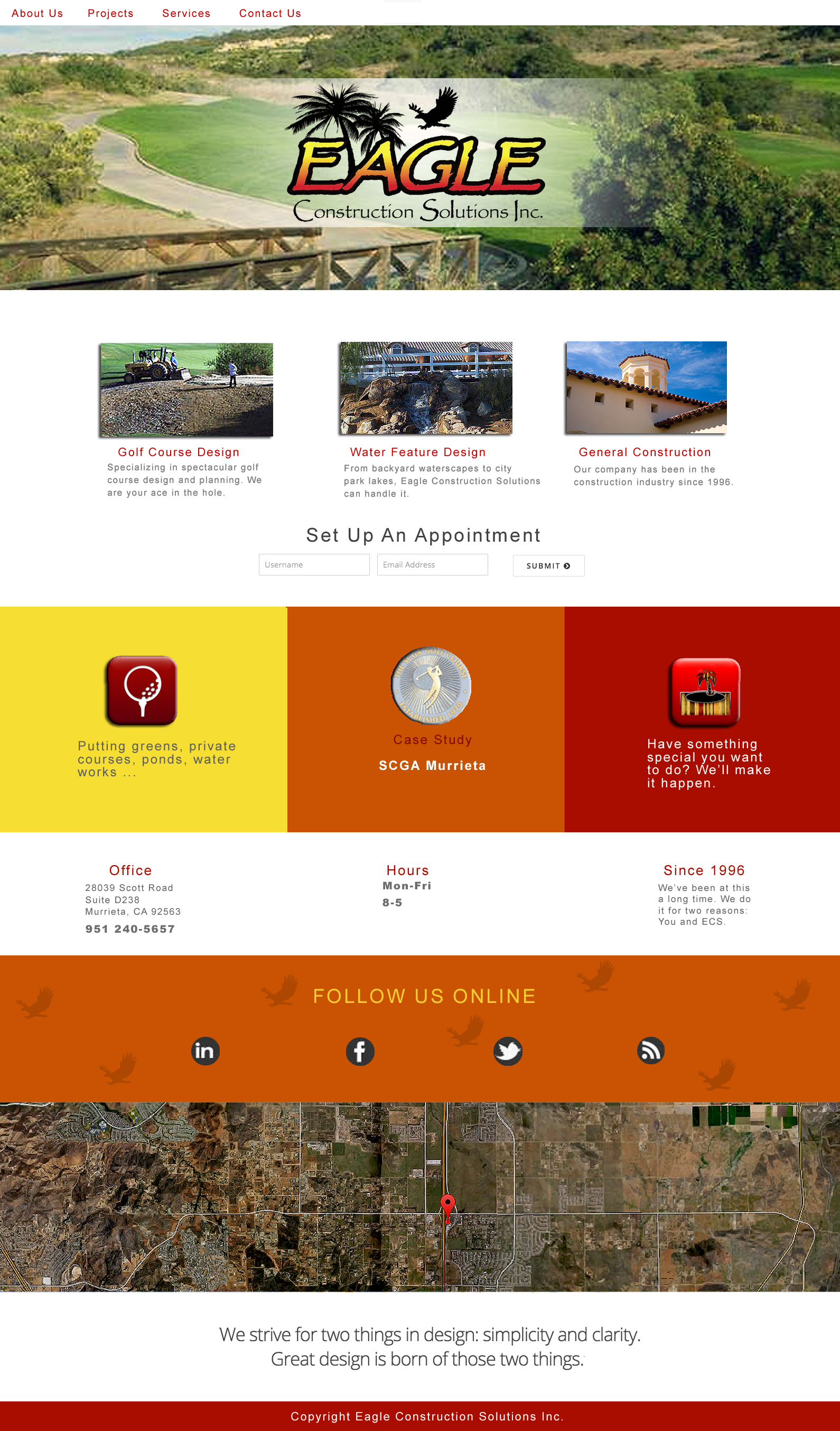
3 — Parallax layout, which is hard to demonstrate in mock-up. Here is a link to a similar scrolling action I intend for this layout http://comp.humanities.uci.edu/ We built the UCI English Dept. home page using Parallax scrolling. Video can play within the background of any section, on any or multiple page/s. In the layout below, I intended the lower section to be video of a golf course, panning views that would loop. I would recommend keeping very little copy over the video … this feature is more eye candy than communication. This is the layout I was ‘farting around with’ yesterday for so long … I was actually transferring it to the live staging server to show you how the layering works … you can see how it’s coming along here :: http://take-two.com/eagle/ STILL ROUGH. And, using placeholder images that I threw together quickly.